Every product in Portia gets a costing sheet that is generated automatically from its materials, so apparel brands can go from bill of materials to wholesale and retail price without building a spreadsheet.
Most brands still cost products in Excel. The bill of materials lives in one file, supplier prices in another, and the price calculation in a third. Every time a material price, factory quote or margin target changes, someone has to update the numbers by hand and hope nothing breaks.
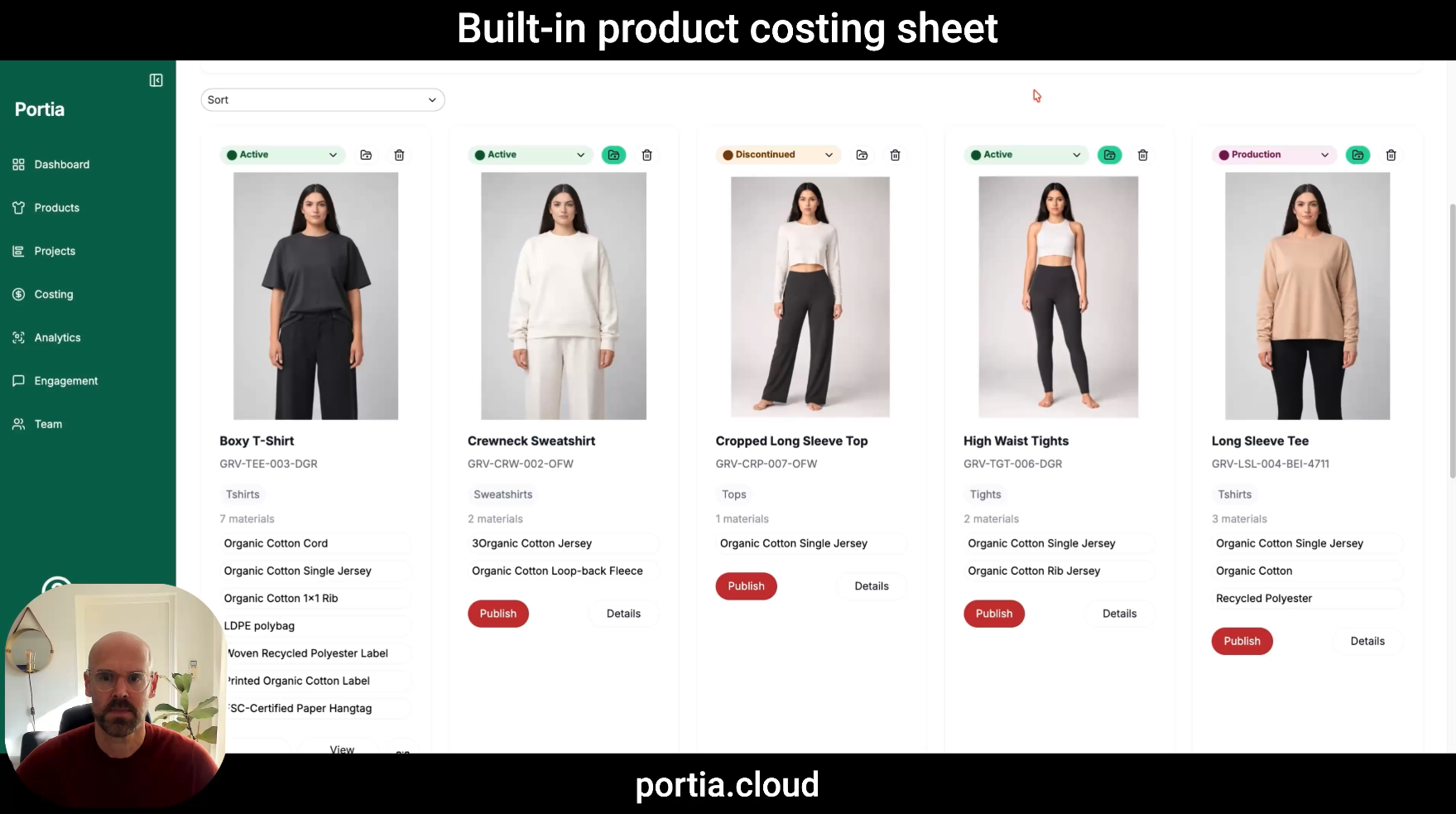
In this post we walk through the built-in costing sheet in Portia, using a boxy T-shirt as the example. Watch the 2-minute video below, or read on for the full breakdown.
What is a costing sheet in apparel?
A costing sheet is the document that calculates what a garment costs to make and land, and what it should sell for. It is sometimes called a cost sheet or product costing.
A typical apparel costing sheet combines the bill of materials (BOM), the factory cost for cutting, making and trimming (CMT), the logistics and duty costs to land the product, and the margins needed to set wholesale and retail prices.
Getting it right matters early. The costing sheet decides whether a style makes it into the collection, which fabric gets chosen, and whether the brand can hit its target retail price.
How Portia generates the costing sheet automatically
Portia builds the costing sheet from data you have already entered. When you add materials to a product, each material carries its own cost, so the system can calculate the material cost of the product straight away.
The costing sheet sits on the product detail page, next to the rest of the product data. There is no separate file to create, link or keep in sync. When a material cost changes, the costing follows.
What the costing sheet includes
The costing sheet covers every cost layer from raw material to the price on the shelf.
| Cost layer | What it covers |
|---|---|
| Material cost | Every component in the product, its unit cost and how much is used (consumption) |
| Factory cost | The manufacturing cost from the factory |
| Uplifts and agent fees | Sourcing agent commissions and other percentage uplifts |
| Landed cost | The cost to get the product to you, including customs, tariffs and insurance |
| Brand costs (optional) | Costs such as customer acquisition, for a fuller view of what each product really costs the brand |
The result is a total cost per product that reflects more than the factory invoice. Including landed and brand costs gives a truer picture of profitability than material and CMT cost alone.
From cost to price: margins, wholesale and retail
Once the total cost is known, Portia calculates the prices automatically. For each product you can see:
- Recommended wholesale price
- Recommended retail price, excluding and including VAT
- Total markup, both as a percentage and as a multiplier (for example 2.5×)
Change the margin and the prices update instantly. In the video, we raise the target margin to 55% and see the new recommended wholesale and retail prices straight away. That makes it easy to test scenarios, such as what happens if you want a higher margin or need to hit a specific price point.
Margin vs markup
The two are often confused. Margin is profit as a share of the selling price. Markup is how much you add on top of cost.
A simple illustration: if a T-shirt costs €10 and you want a 55% margin, the selling price is €10 ÷ (1 − 0.55) ≈ €22.22. The margin is 55%, but the markup is about 122%, or 2.22× cost. Seeing both side by side avoids pricing mistakes.
Costing for whole collections
Portia also summarises costs and prices across a full collection, so you can see the numbers for all products at once instead of opening one costing sheet at a time.
You can filter the summary by segment, for example only the T-shirts in a collection. That helps when reviewing a product category’s margins or comparing styles during line review.
Why costing belongs with your product data
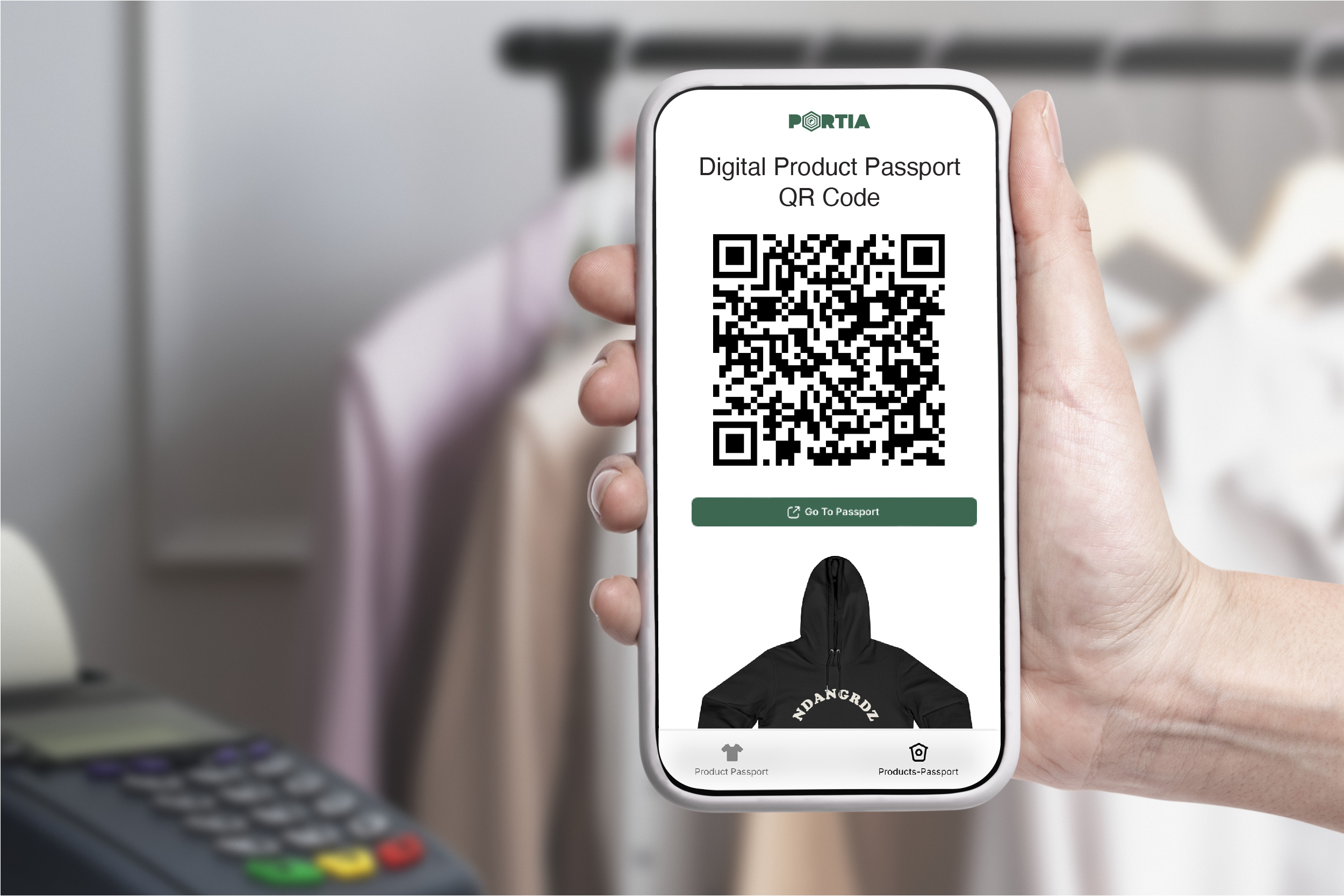
The materials you add for costing are the same materials you need for the EU Digital Product Passport (DPP). Under the Ecodesign for Sustainable Products Regulation (ESPR), textile and apparel brands will need structured data on what their products are made of.
When costing, materials and product information live in one system, you enter the data once and use it for product development, pricing and compliance. That means fewer spreadsheets, fewer copy-paste errors, and one source of truth for every product.
Frequently asked questions
Do I need to build the costing sheet myself?
No. Portia generates it automatically for every product, based on the materials and costs you have added.
What is landed cost in apparel?
Landed cost is the total cost of getting a product to your warehouse. It includes the factory cost plus freight, customs duties, tariffs and insurance.
Can I see wholesale and retail prices including VAT?
Yes. Portia shows the recommended wholesale price and the recommended retail price both excluding and including VAT.
Can I change the margin and see the effect on price?
Yes. Change the margin and Portia recalculates the recommended wholesale and retail prices immediately.
Can I see costing for a whole collection?
Yes. Portia summarises costs and prices for all products in a collection, and you can filter by segment such as T-shirts.
See it with your own products
Want to see how the costing sheet works with your styles and materials? Book a short demo and we’ll walk you through it.