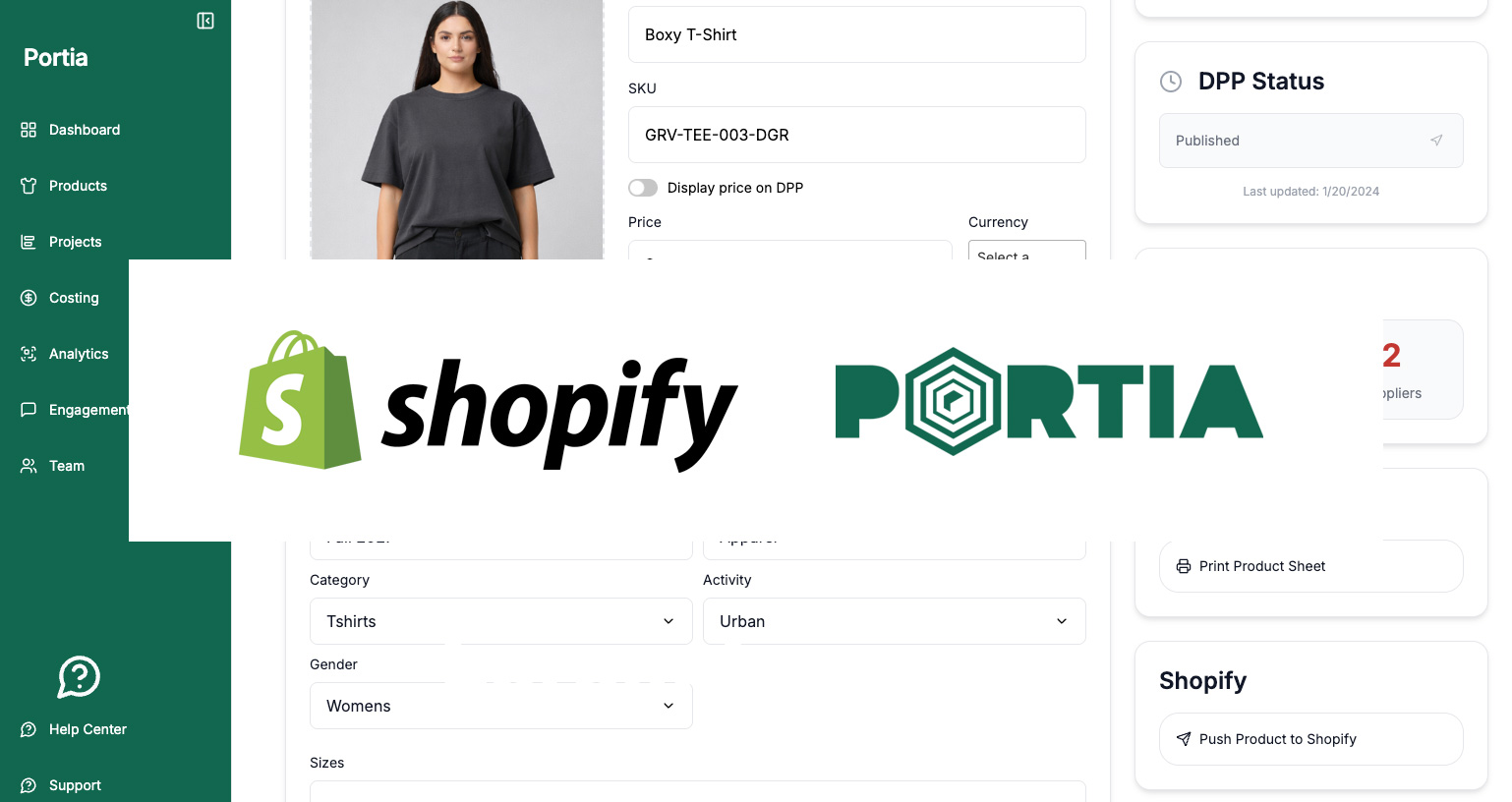
As of now, Portia connects directly to Shopify. A brand links its Shopify store to Portia once, then pushes products from Portia to Shopify with one click.
Product title, description, vendor and product image, and more go straight into your Shopify store. Products arrive as drafts, so your team reviews them in Shopify before they go live. When you change a product in Portia and push again, Portia updates the existing Shopify product instead of creating a duplicate.
PLM, DPPs, Project Management & Shopify
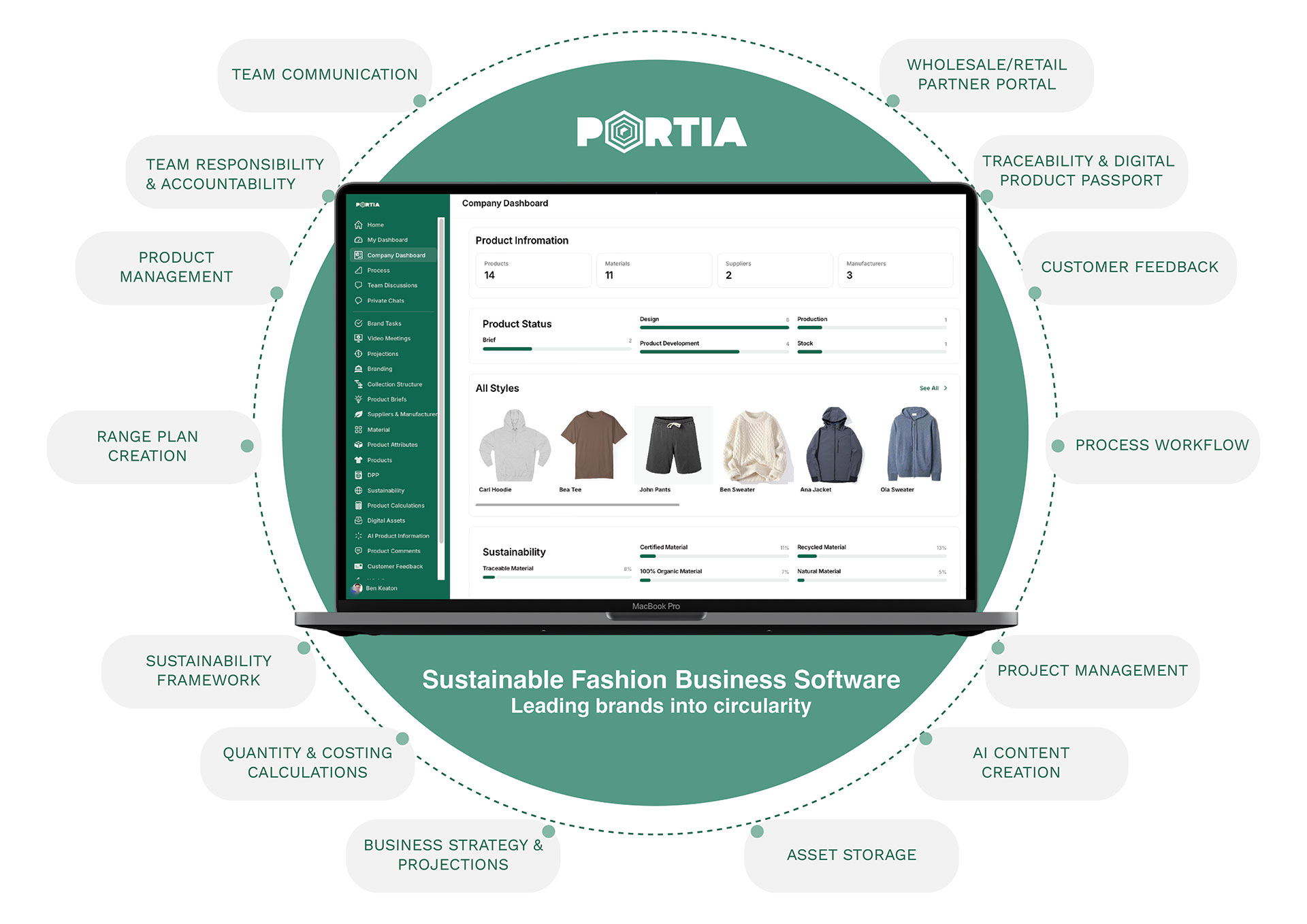
Portia strengthen its holistic approach by adding the connection to Shopify. It is already the solution for product management (PLM), project management, Digital Product Passports, costing, and customer engagement. Your brand can now use Portia as the one central place for everything that surrounds your products.
Why connect Portia and Shopify?
Most apparel brands keep product data in two places: the system where the product is built, and the shop where it is sold. Every copy-paste between them is a chance for the title, description or image to drift out of sync.
With the Shopify connection, Portia holds the product information and Shopify receives it. Your team writes and updates product data once, in Portia, and the store follows. Less retyping, fewer mismatches, and one place to check when something looks wrong.
How to connect your Shopify store to Portia
Connecting takes about a minute and only needs your store’s Shopify address.
- In Portia, open the Shopify integration and enter your store name, for example
brandx. This is the part before.myshopify.com. - Click Connect. Portia sends you to your Shopify admin.
- Review the permissions and click Install.
- Shopify sends you back to Portia, and your store shows as connected.
Don’t know your store name? In your Shopify admin, go to Settings → Domains. Your .myshopify.com address is listed there, even if customers visit your shop on your own domain.
How to push a product to Shopify
Once your store is connected, open a product in Portia and click Push to Shopify. The first push creates the product in your store as a draft. Every push after that updates the same product. Too easy.
New products are created with the status Draft. Nothing appears in your storefront until someone on your team publishes it in Shopify. That keeps pricing, collections and launch timing in your hands.
Frequently asked questions
Does Portia integrate with Shopify? Yes. Portia has a direct Shopify integration. Brands connect their store once and push products from Portia to Shopify.
Can Portia create products in Shopify? Yes. The first push from Portia creates the product in Shopify as a draft, with title, description, vendor and image.
Will pushing the same product twice create a duplicate? No. Portia remembers which Shopify product belongs to each Portia product. A second push updates the existing product.
Do I need a developer or a third-party connector? No. You enter your store name, click Connect and approve the install in Shopify. No API keys to copy, no middleware to set up.
Can I connect a Shopify store that uses a custom domain? Yes. Enter the store’s .myshopify.com name, which every Shopify store has. You’ll find it under Settings → Domains in your Shopify admin.
Does Portia publish products to my storefront? No. Products arrive as drafts. Your team decides when they go live.
Can Portia see my Shopify orders or customer data? No. Portia only requests permission to read and write products.
How many Shopify stores can one brand connect? One store per brand. Connecting again replaces the previous connection.